
Pay with confidence.
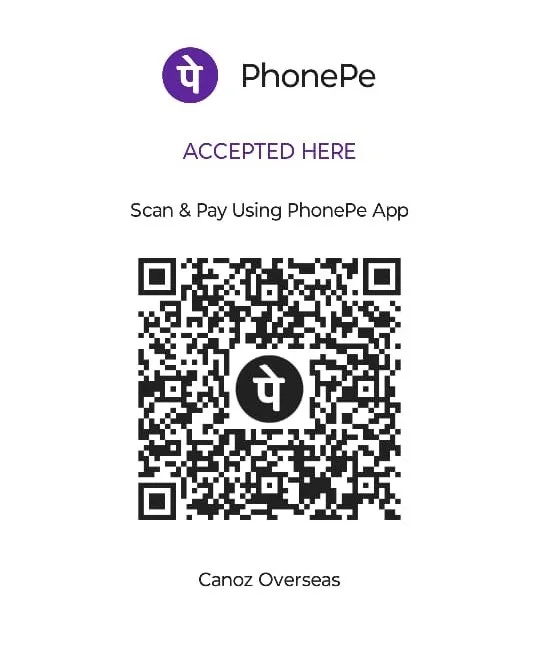
Choose a payment method below. Use the Canozoverseas bank account or scan our PhonePe QR code to pay.

Bank transfer
Transfer to the Canozoverseas account using these details.
After transferring, please contact our team with your payment reference so we can assist you.
Contact us about a payment ↗Pay with PhonePe
Open PhonePe and scan this QR code to make your payment.
Good to know.
Contact us if you need help confirming payment instructions.
Where can I get the bank account details? +
The Canozoverseas bank account name, bank, account number, IFSC and branch are listed on the Bank Details tab.
Can I pay by QR code? +
Open PhonePe and scan the QR code on the QR Code tab. Confirm the payee is Canozoverseas before completing your payment.
What should I include after making a payment? +
Keep your payment reference and share it with Canozoverseas if you need help matching your payment. Never share your UPI PIN or OTP.
Which payment options are available? +
Use the bank transfer or UPI details displayed on this page and follow any payment instructions provided by our team.
What should I include with a payment? +
Use the reference or invoice details shared by Canozoverseas so the payment can be matched to your service.
Before paying, confirm the scope of your resume marketing, resume writing or visa service with our team.